Reviewing Artspace.ai and StockMusicGPT: Best AI Tools for Creatives
Pczio Team
Published
Reviewing Artspace.ai and StockMusicGPT: Best AI Tools for Creatives
Generative AI has evolved from a novel technical concept into an indispensable asset for graphic designers, digital artists, content creators, and marketing professionals.
Among the massive wave of specialized software, Artspace.ai (for digital art generation) and StockMusicGPT (for custom background tracks) stand out as a highly effective combo for multimedia production.
In this review, we will dissect the capabilities of both platforms and show you how to link them to build a streamlined creative workflow.
1. Artspace.ai: Redefining Digital Art Creation
Artspace.ai is a dedicated generative image suite designed to act as a digital canvas for illustrators and designers. Unlike generic text-to-image prompts, Artspace offers granular control tools:
- Inpainting & Outpainting: Seamlessly edit specific regions of an image or extend the borders beyond the original canvas.
- Consistent Characters: Maintain character facial structures and design cues across multiple generated scenes.
- Intuitive UI: A clean digital art workspace that feels like a natural design program rather than a prompt terminal.
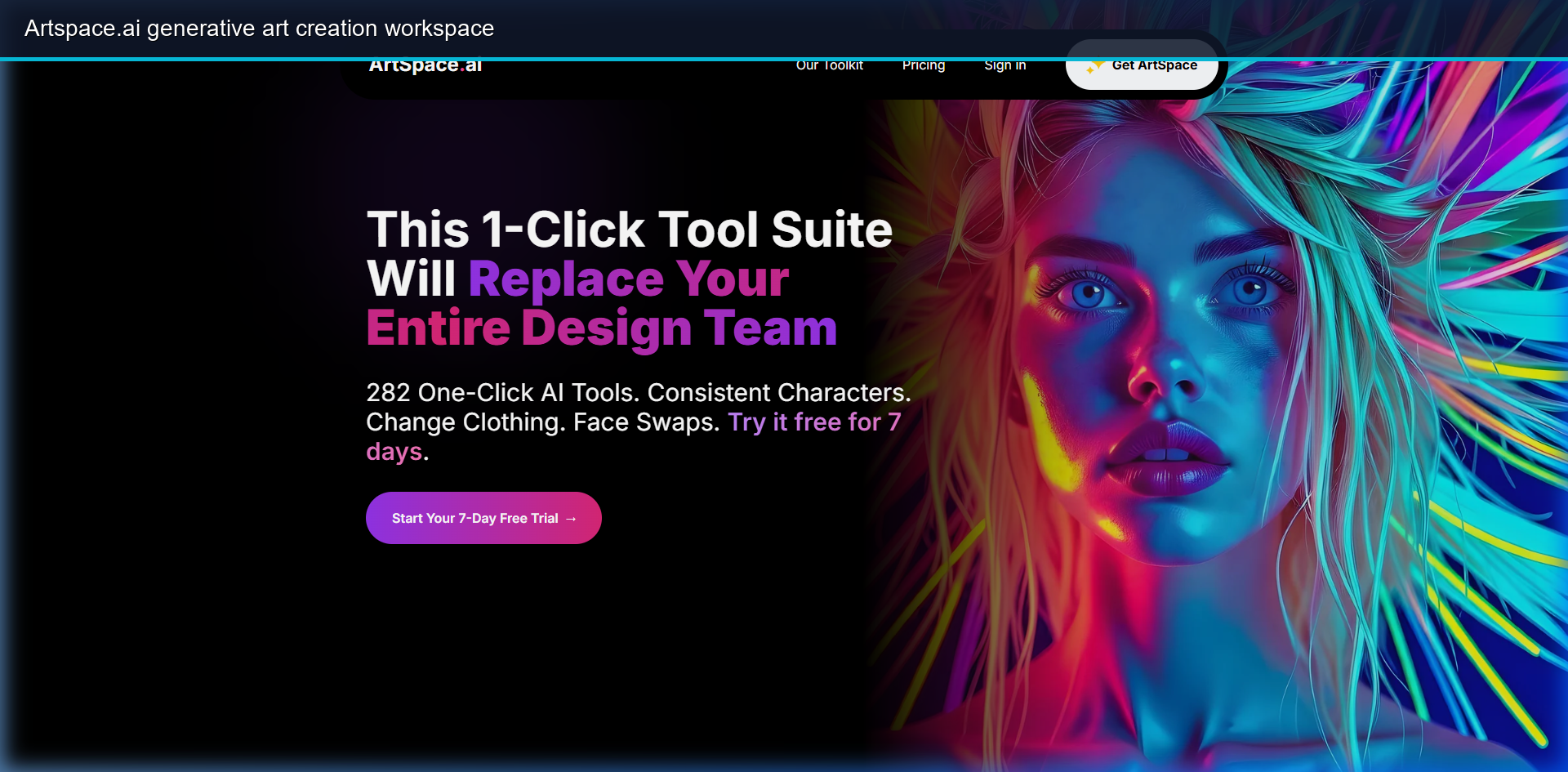 The Artspace.ai dashboard demonstrating 1-click tools for layout edits and styling.
2. StockMusicGPT: Instant Custom Background Tracks
StockMusicGPT solves a major problem for YouTubers, indie filmmakers, and marketing teams: finding royalty-free music that matches the emotional beats of their video clips.
By choosing genre filters (Lofi, Electronic, Cinematic) or inputting descriptive prompts, users can compose studio-grade instrumental tracks in seconds.
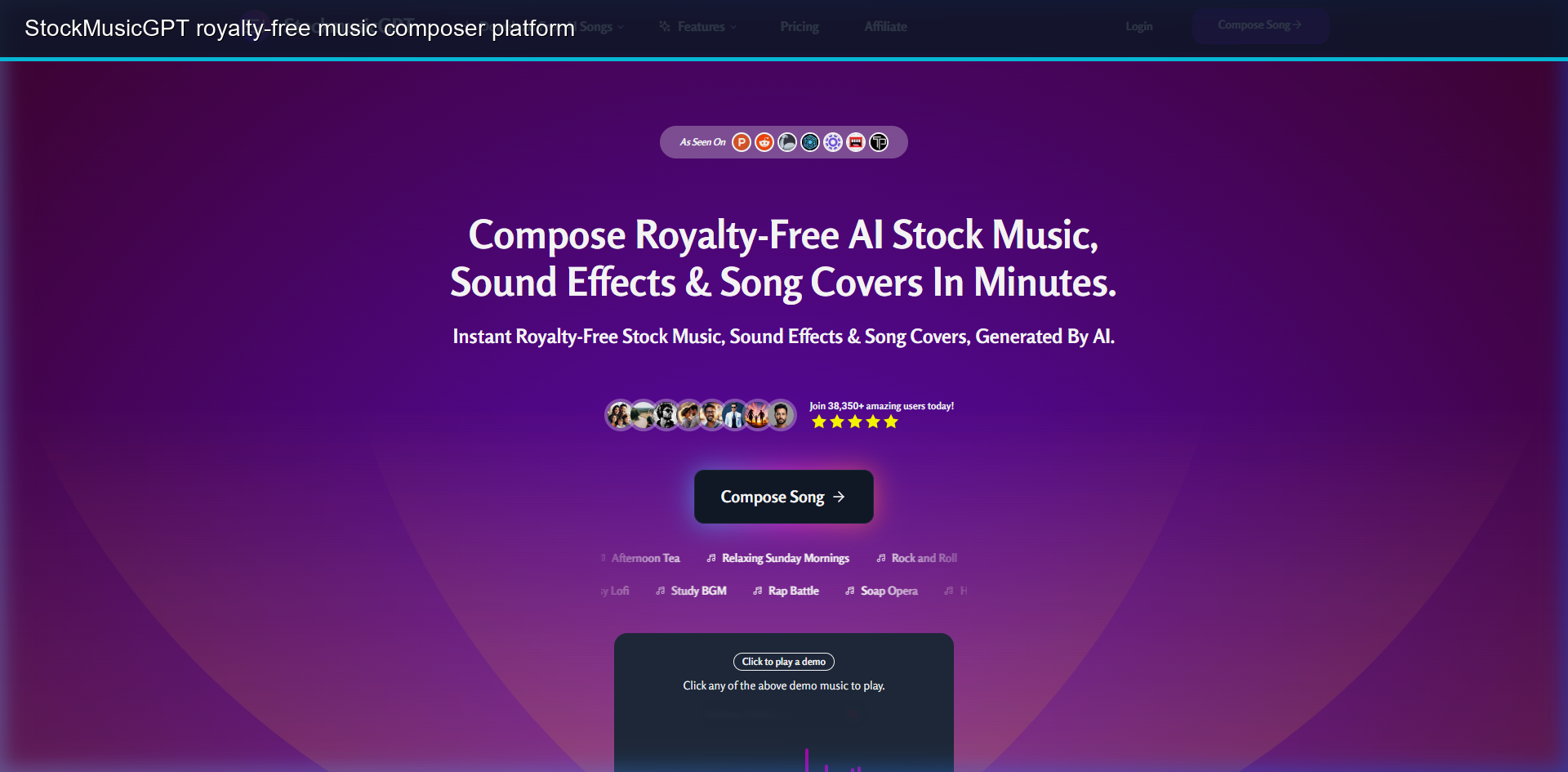 StockMusicGPT online music studio showing custom song generation panels.
3. How to Combine AI Art and AI Music for Content Creation
By using both tools, you can create a complete media asset pipeline without relying on expensive subscription libraries:
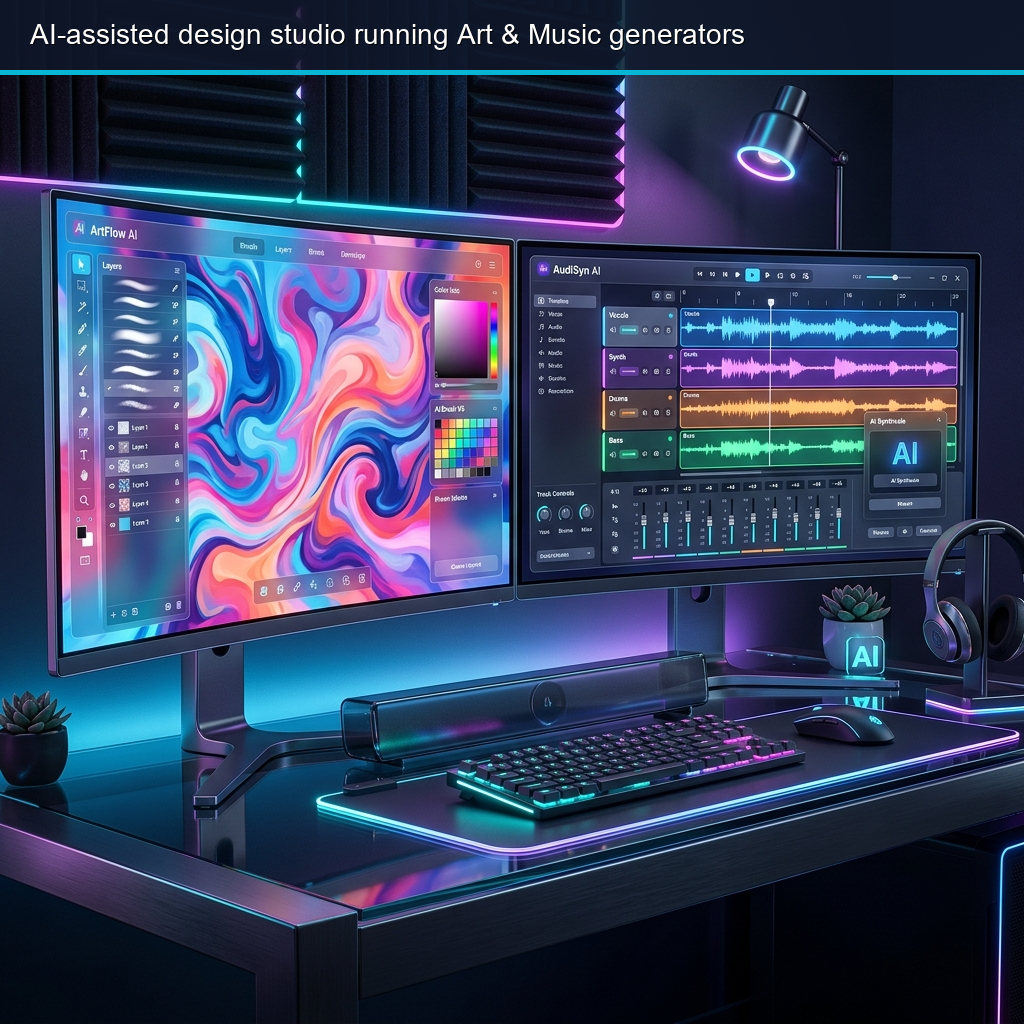 Dual monitor workflow rendering AI graphics on the left and tracking audio waves on the right.
- Step 1: Visual Design: Use Artspace.ai to generate high-resolution illustrations, website assets, or social media graphics.
- Step 2: Audio Generation: Analyze the mood of your visuals. Feed those keywords into StockMusicGPT (e.g., “chill lofi track for cyber design showcase”) to render a matching music track.
- Step 3: Render: Import the assets into your editing software (like Premiere or DaVinci) to output highly cohesive videos.
4. Key Features Comparison
| Feature | Artspace.ai | StockMusicGPT |
|---|---|---|
| Output Type | Digital Images, Illustrations, Mockups | MP3, WAV Audio Files, SFX |
| Primary Use Cases | Graphic Design, UI Mockups, Ad Banners | YouTube BGM, Podcast intros, Video Ads |
| Control Level | Visual Brush Edits, Style Presets | Tempo (BPM), Instrument selection, Key |
5. Security & Workflow Automation Tips
Running heavy graphical design software and audio generation tools locally can push your system hardware to its limits. Ensure you are securing high-performance graphic card drivers to prevent rendering crashes.
To speed up repetitive editing tasks like asset exporting or audio trimming, map custom macro automation hotkey profiles to control your canvas.
For maximum organization, save your top prompt formulas and output file tags directly inside a localized agent brain to allow instant lookup of your creative database.
[!TIP] Always generate StockMusicGPT audio files in WAV format if you plan on doing multi-track video mixing, as it preserves deep sound frequencies better than compressed MP3 files.
Combining Artspace.ai and StockMusicGPT enables solo creators to produce cinematic content at a fraction of the traditional cost. Explore their free options and test the creative potential yourself!
Tags