
Exporting Your Hermes 3 Conversations for RAG and Second Brain
Pczio Team
Published
Exporting Your Hermes 3 Conversations for RAG and Second Brain
Nous Research’s Hermes 3 models are specifically tuned for advanced reasoning, system prompt obedience, and structured outputs. Because they don’t have the heavy-handed safety filters of proprietary models, they are the go-to choice for complex problem-solving and coding tasks.
But what happens after Hermes 3 gives you a brilliant, 2,000-word architectural breakdown? If you leave it in the chat interface, it is practically lost. To maximize its utility, you must integrate it into a persistent storage pipeline.
1. The RAG and Second Brain Approach
Power users are increasingly using RAG (Retrieval-Augmented Generation) and “Second Brain” apps like Obsidian and Notion to store their AI interactions.
When Hermes 3 generates a complex Mermaid diagram, a Python script, or an XML dataset, that output is an asset. To preserve it perfectly, you need Markdown. Markdown handles code blocks, bold text, and headers natively, making it the perfect format for both human reading and machine ingestion.
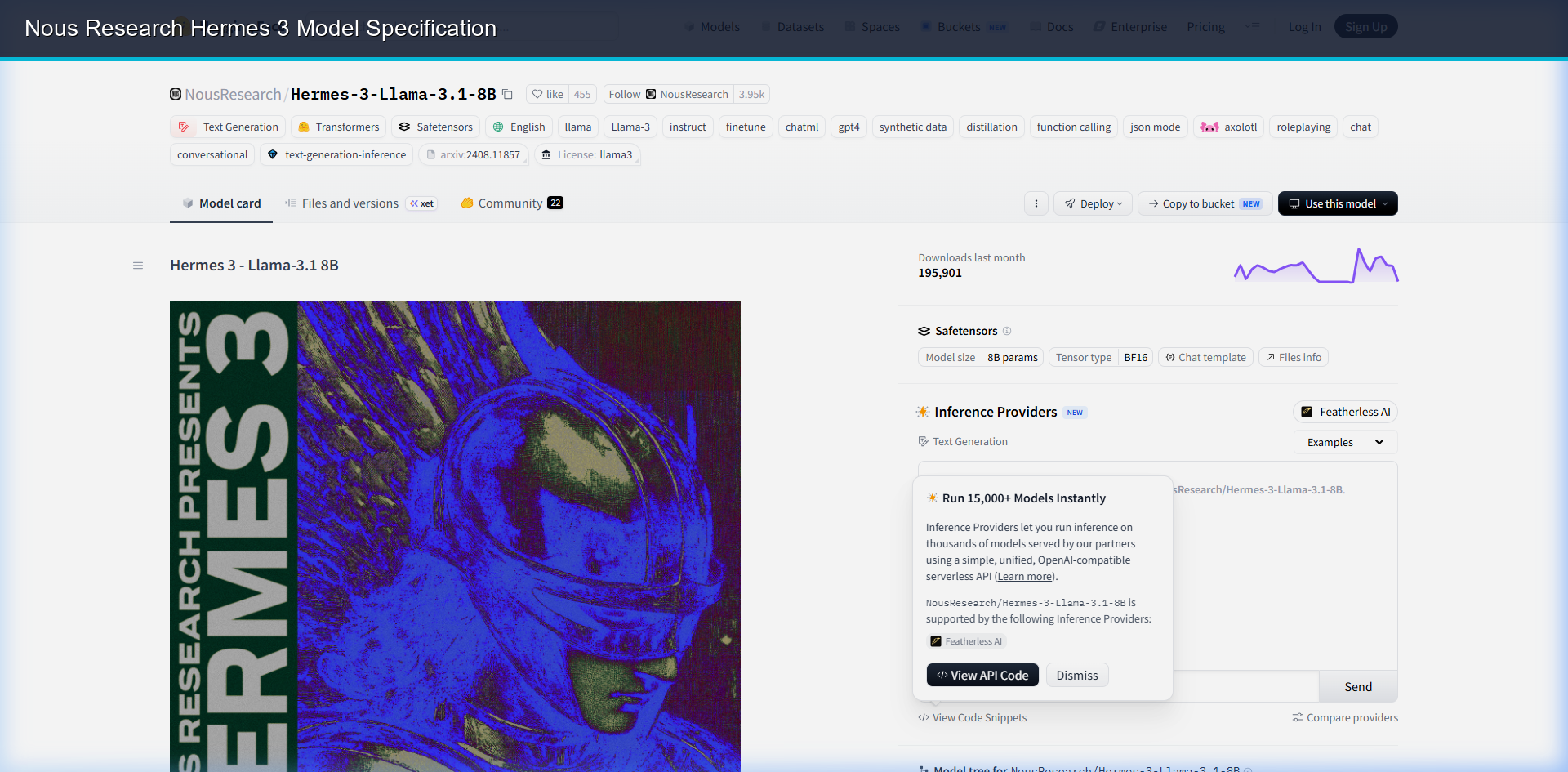 Reviewing the official Nous Research Hermes 3 model registry on Hugging Face.
2. Technical Comparison of AI Data Formats
| Format | Readability | Parser Support | Code Preservation | RAG Efficiency |
|---|---|---|---|---|
| Markdown (.md) | High (Human readable) | Native (All LLMs) | Perfect (Fenced blocks) | Excellent (Semantic headers) |
| JSON | Low (Raw structure) | Required (JSON parser) | Escaped characters | Moderate (Needs chunk metadata) |
| Plain Text | High (Basic text) | Native (All LLMs) | Poor (Lose formatting) | Poor (No document syntax) |
3. The Professional Export-to-Ingest Workflow
If you use web UIs to access Hermes 3 (such as OpenRouter or local ports), extracting data cleanly via manual copy-paste often breaks formatting. Here is the professional workflow:
graph LR
    A[Hermes 3 Web Chat] -->|Download MD| B[Pczio Exporter Extension]
    B -->|Save to Local Folder| C[Obsidian Vault / RAG DB]
    C -->|Vector Indexing| D[Local Hermes Agent]
D -->|Recall Context| A- Generate: Have your deep, technical conversation with Hermes 3.
- Export: Use the Pczio Claude Downloader or ChatGPT Downloader to download the thread.
- Save: Choose the Markdown (.md) format.
- Ingest: Drop the file into your local RAG directory or Obsidian vault.
4. Setting up Local Ingestion Pipelines
Once your conversations are saved as Markdown, you can set up a local ingestion script to parse them. By pointing a local Vector DB (like Qdrant) to watch this folder, your local LLMs can query the exact reasoning paths of your past interactions.
[!WARNING] Ensure that any API keys, password configurations, or local system paths that Hermes 3 might output during code sessions are scrubbed from the Markdown files before adding them to a shared vector database.
To get the most out of your local AI setups, read our full guide on Building a Self-Hosted AI Second Brain with Hermes Agent RAG to complete the automated loop.
Tags