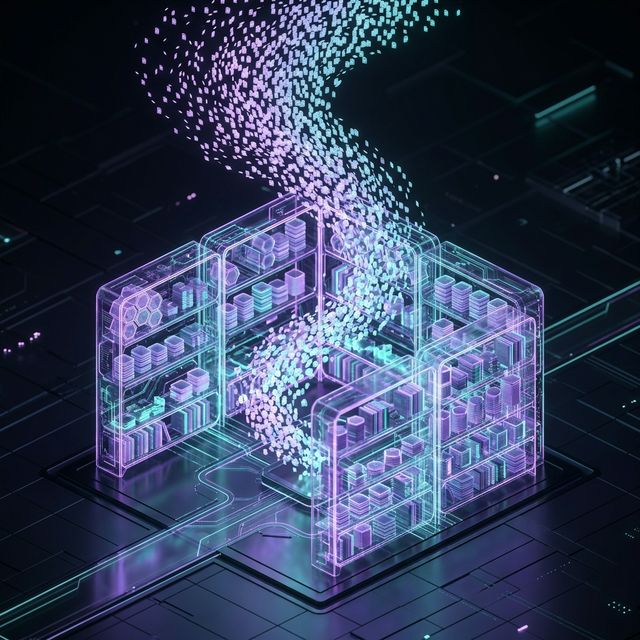
Build Your Personal AI Library with Pczio Exporters
Pczio Team
Published
If you are an AI “Power User,” you know the feeling: You found a perfect solution for a complex piece of code 3 months ago, but now you can’t find it in OpenAI’s cluttered “History” sidebar.
The default storage systems of AI platforms are a “Black Box.” They lack deep search, folder organization, and are entirely dependent on whether the servers are up.
Why you need a Personal “AI Library”
Exporting your AI conversations to local storage (Local-first) provides 3 core benefits:
- Instant Search: Use Spotlight (macOS) or Everything (Windows) to search through thousands of Markdown files in a heartbeat.
- Linked Knowledge: Drag
.mdfiles into Obsidian or Notion to build a true “Second Brain.” - Secure & Permanent: Your data is on your hard drive. Nobody can delete it, even if the AI platform goes down.
How to build your library in 3 steps
Step 1: Collect data with Pczio Exporters
Use the ChatGPT Downloader or Gemini Exporter browser extensions to download your most important chat sessions. Instead of manual copy-pasting, these tools preserve Markdown formatting, Code Blocks, and complex data tables perfectly.
Step 2: Organize by Niche
Don’t just dump everything into an “AI Downloads” folder. Classify them by structure:
/AI-Library/Coding-Snippets/AI-Library/Marketing-Research/AI-Library/Self-Improvement
Step 3: Integrate into your Note-taking System
If you use Obsidian, point your vault to the AI-Library folder. Now, you can use [[Link]] tags to connect AI responses with your personal notes, creating a living network of knowledge.
Conclusion
AI data is an extension of your brain. Don’t let it scattered in the cloud. Start building your personal library today to take full control of your knowledge flow.
Tags