
What is a manifest.json File? A Complete Guide for Web & Extension Devs
Pczio Team
Published
What is a manifest.json File? A Complete Guide for Web & Extension Devs
In modern web development, particularly when building web browser extensions or setting up Progressive Web Apps (PWAs), you will frequently encounter a configuration file called manifest.json.
This file serves as the “identity card” or metadata blueprint of your project, instructing the hosting operating system or web browser exactly how your application should behave, display, and what access permissions it requires.
In this guide, we will break down the definition, structure, and essential fields of manifest.json with real-world code examples.
1. Definition of manifest.json
A manifest.json file is a simple, structured metadata file formatted in JSON (JavaScript Object Notation). It details essential parameters about your software application to help platforms register, launch, and display the app correctly.
Without a valid manifest file, the browser cannot run your extension or install your website to the device’s home screen.
2. The Role of manifest.json in Chrome Extensions
For browser extensions (especially under the current Manifest V3 standard specified by Google), the manifest.json file is mandatory and must reside in the root directory.
It declares the extension’s name, version, background service workers, user interface popups, and the API permissions required to interact with web pages.
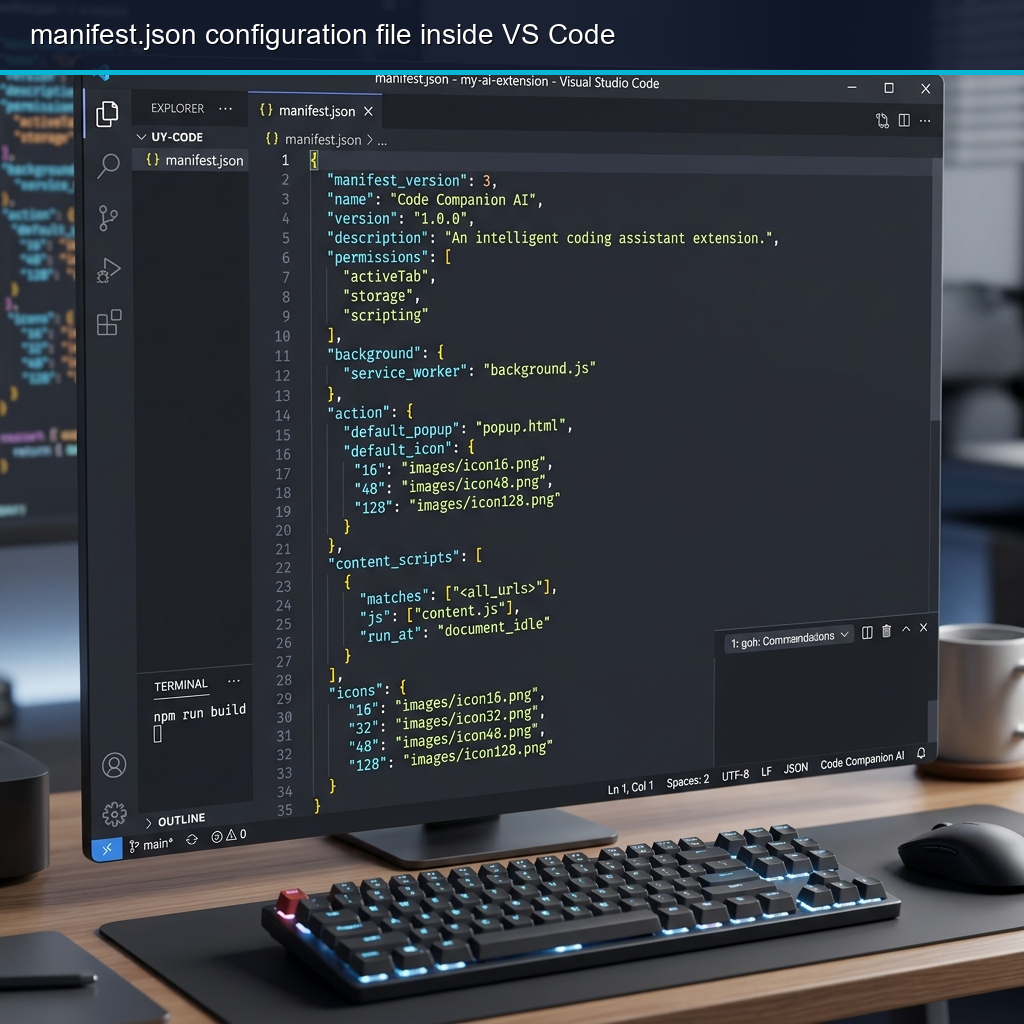 A structured manifest.json file displayed inside the Visual Studio Code editor.
3. The Role of manifest.json in Progressive Web Apps (PWAs)
For Progressive Web Apps, the manifest file is what enables a standard website to be “installed” on a mobile phone or desktop computer, giving users an app-like experience.
It controls visual elements such as the splash screen, desktop icon size, orientation, and browser interface display properties (like hiding the URL address bar).
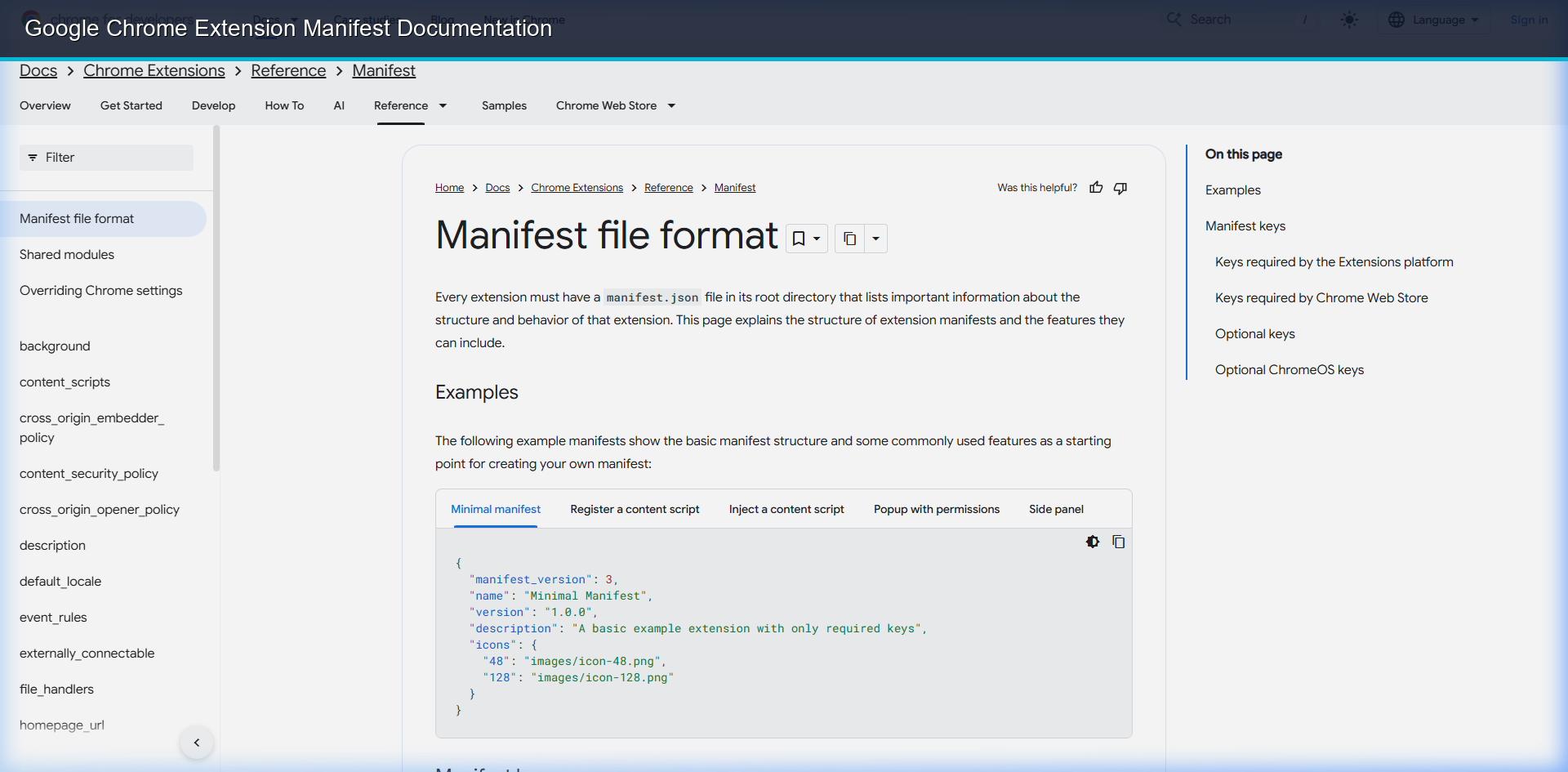 Google Chrome official extension platform documentation detail for Manifest structure.
4. Key Fields Explained with Code Examples
Here is a standard example of a manifest file for a PWA or Extension:
{
  "manifest_version": 3,
  "name": "Pczio Productivity Tool",
  "short_name": "Pczio App",
  "description": "An automated system utility helper.",
  "version": "1.0.0",
  "icons": {
    "16": "images/icon16.png",
    "48": "images/icon48.png",
    "128": "images/icon128.png"
  },
  "start_url": "/index.html",
  "display": "standalone",
  "background_color": "#0f172a",
  "theme_color": "#06b6d4",
  "permissions": [
    "storage",
    "activeTab"
  ]
}
Identity Fields
manifest_version: Specifies the schema version. (For modern Chrome extensions, this must be3).name&short_name: The full and abbreviated name of your application shown to users.
Visual Assets
icons: Map of image paths to different icon resolutions.theme_color&background_color: Customizes browser navigation bar elements and app launch loading screens.
Routing & Display
start_url: The index file loaded when the PWA is launched from the desktop.display: Setting this tostandalonehides browser navigation buttons, making it feel like a native application.
5. How to Validate a manifest.json File
JSON syntax is highly strict. A missing comma or an extra brackets pair will prevent your extension from installing or stop your PWA from registering.
You can inspect and debug your configurations using built-in developer tools like Google Chrome’s Lighthouse Audits or online manifest validation tools.
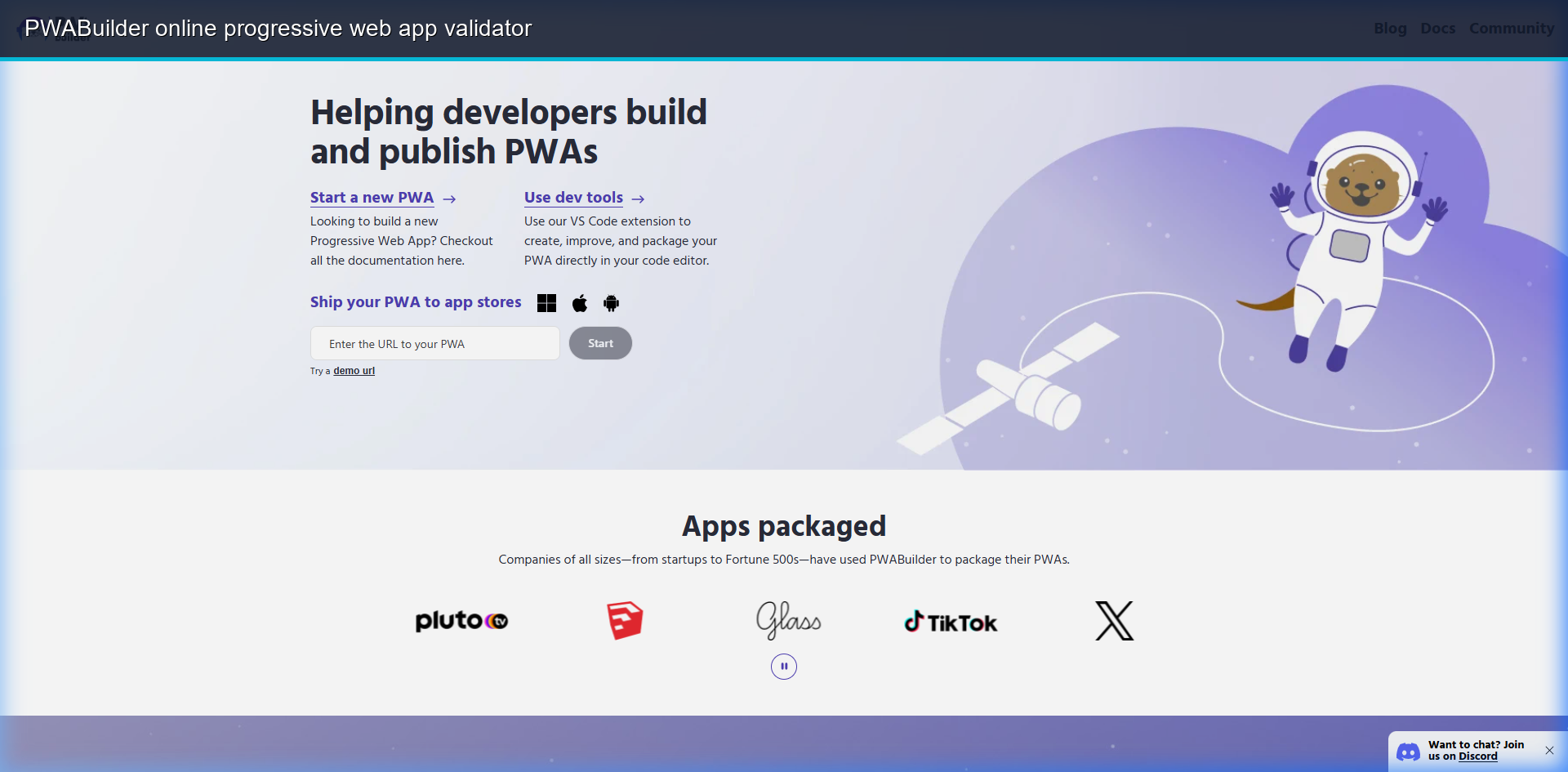 Validating the structure and features of web manifests using web-based checker tools.
6. System Integration & Safe Dev Tips
When configuring manifest permissions for extensions, ensure you follow the principle of least privilege. This practice avoids exposing users to data risks, similar to verifying app authenticity when downloading executable tools.
If you are regularly coding and updating manifest structures, you can script writing clean desktop automation files to configure template variables automatically.
Additionally, you can catalog your JSON snippets and structures into a trained localized RAG structure to allow instant code retrieval via terminal commands.
[!WARNING] In Manifest V3, you must use the
actionblock to define extension behavior. Using deprecated V2 keys such asbrowser_actionorpage_actionwill cause the browser compile to fail immediately.
Configuring a clean manifest.json file is a core skill for any modern web developer. Verify your code, test your parameters, and start building!
Tags